Features
The same schedule, three hands. What follows is what the end-to-end recipes play on every release — not a list of intentions.
A Gantt chart you drive with the mouse
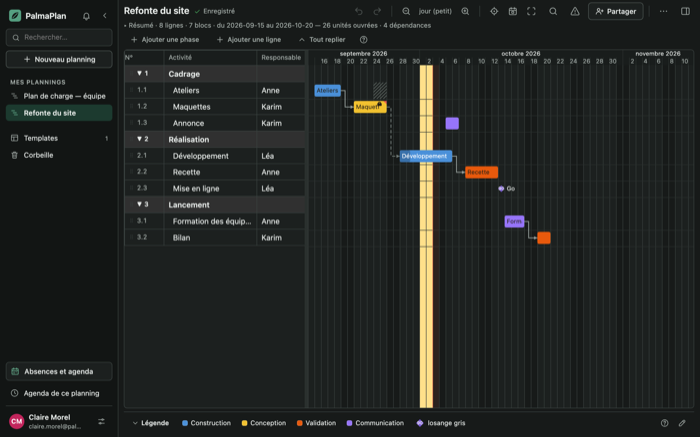
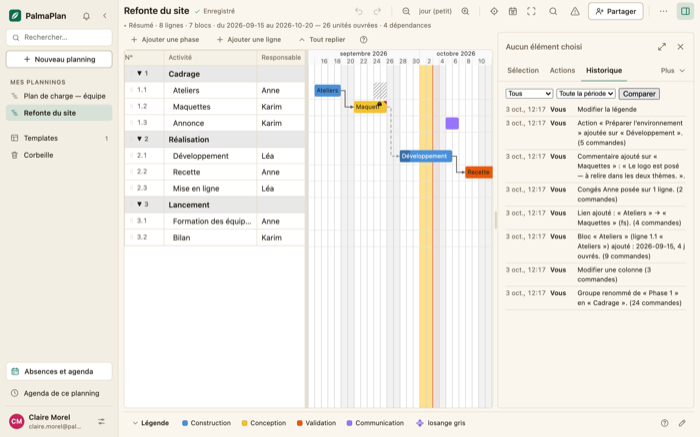
You draw a block by clicking and dragging against a row; you move it, you resize it by its handle, you move three of them in one gesture. Durations are counted in working days: weekends, public holidays and the closures you name drop out of the calculation, and a block keeps its duration when you uncheck a day.
Dependencies push, never pull: delay the first block in a chain and the rest move back; move it earlier and they stay put. A link you choose to violate stays red on screen instead of moving your work. The critical path lights up at the press of a key, and it prints.
Everything undoes. Every gesture is a reversible command — 56 kinds — and
Ctrl+Z rolls back, including what an agent just wrote.
Filtering and search live in the page's address: you send a view, not a screenshot. A block can carry a list of actions — kanban or a checklist — and its progress is derived instead of set by hand.
What comes out: the v23 exchange format round-trips, CSV, a spreadsheet workbook, an image (SVG, PNG) and a paginated PDF on the paper size you choose. What comes in: v23, CSV, a calendar file, and the XML of a desktop scheduling tool.
And the rest, said without emphasis: finger and stylus (long press, pinch, scroll), a List | Timeline view under 900 px; the screen in French or English; the whole grid with the keyboard alone; a complete light theme and a complete dark theme; and a queue of pending changes that survives a closed tab through a network outage.
A team, without stepping on each other
Three roles, checked on every route: owner, editor, viewer. A viewer who tries to write gets a refusal, not a broken screen; a stranger doesn't even know the schedule exists. You invite by link or by email, transfer a schedule, remove an access — and a removed access shows instantly, with no reload.
Realtime isn't a refresh: one channel per schedule. The other person's screen follows what you write, an outline in their color shows what they're holding, and when you both move the same block, the screen says so instead of silently picking one.
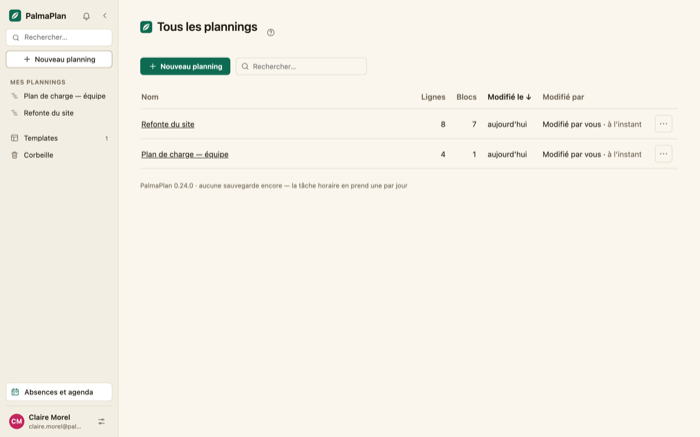
History says who, what, when, page by page, filterable by person and date, with a Compare button between two points in time. Comments are threads: a viewer can reply, an editor can resolve. The bell warns you of what happened while you were away, and an evening summary can go out by email.
When nobody should touch anything, the owner takes the lock; whoever asks for it gets it in ten seconds. And a schedule can be published read-only, under a short address, with a password if you want, embeddable in a page or not.
An agent that actually gets work done
PalmaPlan exposes 101 tools, 10 resources and 5 prompts over MCP. It isn't a gateway that can create a task: it's the whole product, the one you see on screen.
An agent builds a schedule from a description; it produces a progress report on one that exists — done, in progress, late, the next milestones; it speaks in labels — "the Recipe row in the Scoping group" — and never needs an internal identifier. It simulates before writing: "what if the recipe slipped by two weeks?" is answered without touching the schedule. It undoes and redoes its own work. It breaks a task into actions, assigns them, checks them off — and the block's progress follows. It can ask to be notified when the schedule changes.
And everything it writes is signed: the log says Claude, not you, with the name of the token that acted. A read-only token can't write anything, no matter what it's asked.
Printing
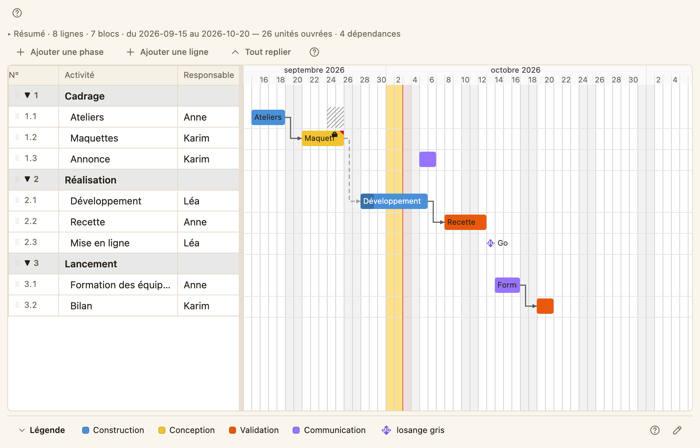
The printable preview renders your schedule at the width of the paper you
choose, ready for a paginated PDF through the browser's print dialog. The
other formats — image (SVG, PNG), the v23 exchange format, CSV, workbook —
are your MCP agent's job (render_schedule,
export_schedule, import_schedule): an exported
file comes back equal to its canonical form.
Light and dark
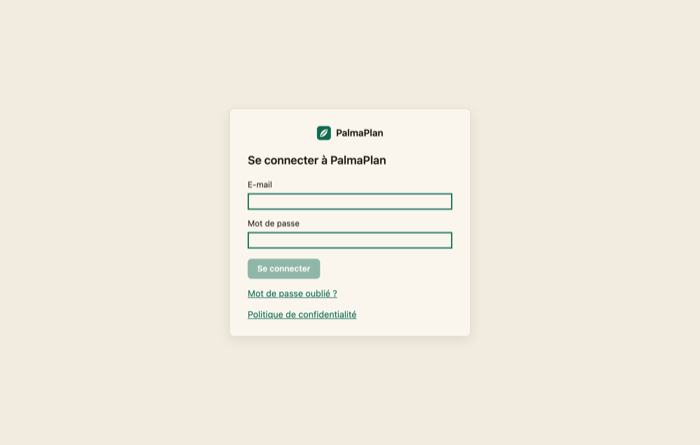
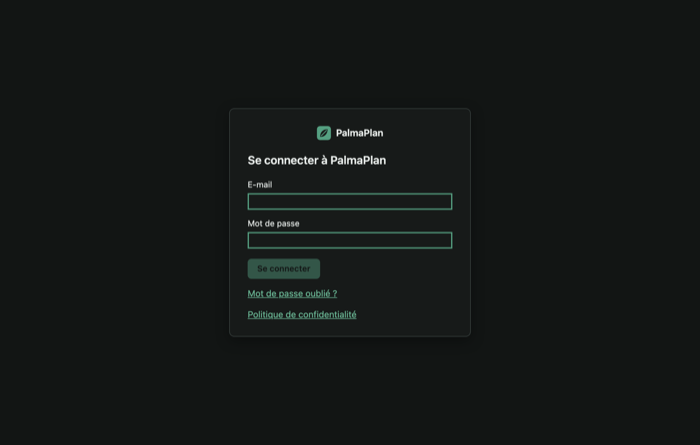
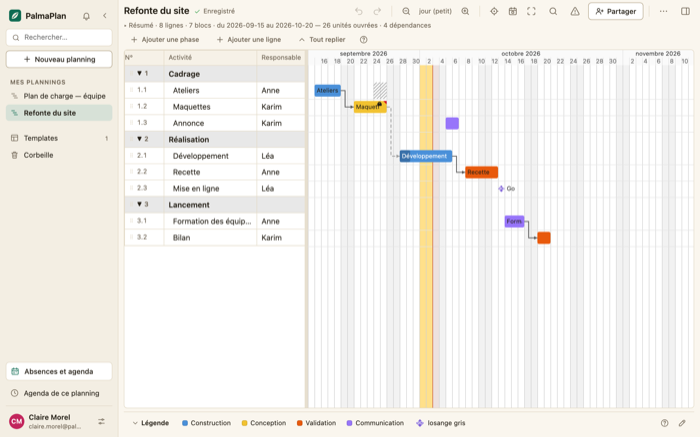
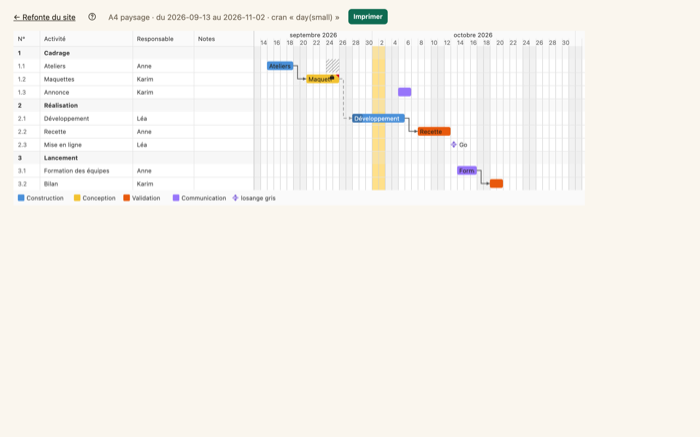
A complete light theme and a complete dark theme, screen by screen — the ribbon included.